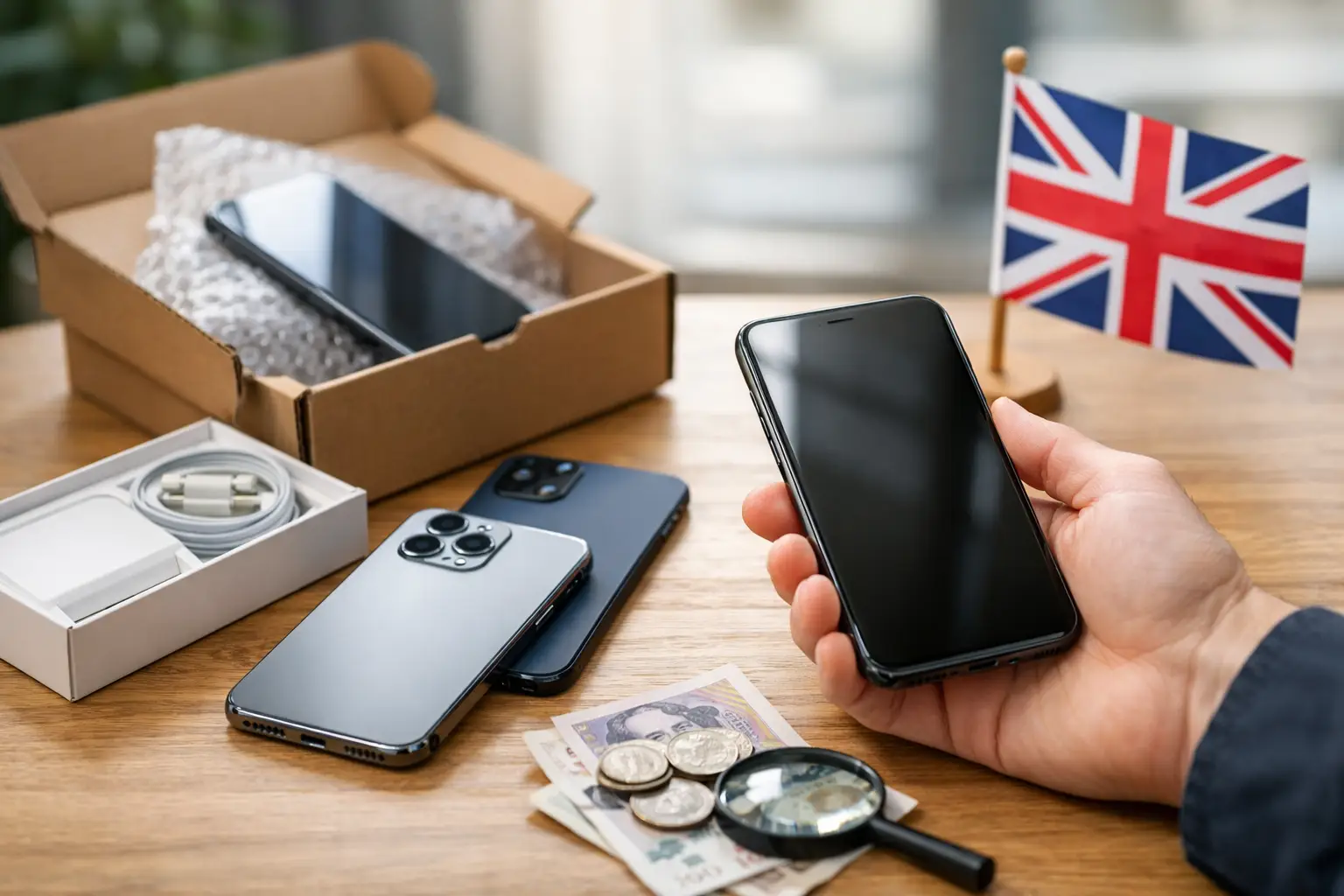

A Guide to Selling Used Electronics
That old phone in your drawer, the tablet you replaced last year, the laptop gathering dust on a shelf – all of it could still have value. This guide to selling used electronics is for anyone who wants a quicker sale, a fair price and fewer headaches along the way.
Selling electronics is not quite the same as selling clothes, furniture or books. Buyers usually want more detail, more reassurance and a clearer idea of condition before they commit. If your ad is vague, overpriced or missing key information, people will scroll past it and move on.
Why a good guide to selling used electronics matters
Used electronics can sell well because buyers know new devices are expensive. A second-hand phone, games console, smartwatch or laptop can be an easy win for someone who wants to save money. That said, electronics also come with more buyer caution because of battery health, faults, missing chargers, account locks and hidden damage.
That means your job as a seller is simple – reduce doubt. The more clearly you present the item, the easier it is for a buyer to trust the listing and make an offer. Good preparation usually leads to fewer messages, less haggling and a better chance of selling locally and quickly.
Start with the basics before you list
Before you post anything, check exactly what you are selling. Make sure you know the brand, model name, storage size, colour and any key specifications that matter. For a phone, that may be storage capacity, network status and battery condition. For a laptop, it may be screen size, RAM, processor and storage.
If you are unsure, look in the device settings or on the original packaging if you still have it. Guessing details is risky. A buyer who turns up and finds the wrong model or spec is unlikely to complete the deal.
You should also check whether the item is fully working, partly working or clearly faulty. Be honest here. A device with a cracked screen or weak battery can still sell, but only if the buyer knows what they are getting.
Wipe your data properly
This is one of the most important parts of any guide to selling used electronics. Deleting a few photos is not enough. You need to remove personal data properly and sign out of any linked accounts.
For phones, tablets and laptops, back up anything you want to keep first. Then sign out of cloud accounts, remove device locks and perform a factory reset. If the item has a find-my-device feature, turn it off before resetting. If you skip this step, the new owner may not be able to use the device at all.
On laptops and desktops, take a little extra care. A proper reset or reinstall is safer than simply dragging files to the bin. If the storage drive contains sensitive personal or business data, make sure it has been wiped correctly before the sale.
Clean it and gather what comes with it
Presentation matters more than many sellers realise. A clean device photographs better, looks more cared for and gives buyers more confidence. Use a soft cloth, remove dust from ports and wipe down screens and casings. Do not try anything aggressive that could scratch the finish.
Then gather the extras. Original box, charger, cable, case, manual and receipt can all help. You do not need every accessory to make a sale, but a complete set often supports a stronger asking price. If something is missing, say so clearly.
Price it with a bit of realism
The quickest way to stall a listing is to price it like it is still new. Buyers compare used electronics closely, and most know roughly what similar devices are selling for.
Start by checking current second-hand prices for the same model in a similar condition. Focus on real market expectations rather than what you paid originally. A premium phone that cost a lot two years ago may still have value, but not at anything close to its launch price.
Condition changes everything. A spotless item with box and accessories can sit at the top end of the range. A scratched device, older battery or missing charger belongs lower down. If you want a fast sale, price competitively. If you are happy to wait, leave a small amount of room for negotiation.
Write a listing that answers buyer questions early
A strong classified ad should feel clear and complete, not padded with sales talk. Buyers want facts. Give them enough information to decide whether it is worth messaging you.
Your title should be specific. Instead of writing “Used laptop for sale”, write the exact model and a key detail such as storage or screen size. The description should then explain the condition, age, included accessories and any faults.
Good listings usually cover the same practical points:
- exact model and brand
- storage size or key specifications
- overall condition
- battery health if relevant
- whether it is unlocked or tied to a network
- what accessories are included
- any marks, repairs or faults
- your general location and collection or delivery preference
Keep the wording straightforward. If the item has a problem, mention it plainly. A buyer is far more likely to accept honest wear than a hidden issue discovered later.
Use photos that do the selling for you
For electronics, photos do a lot of the hard work. A dark, blurry image on a sofa is rarely enough. Take pictures in good natural light against a plain background. Show the front, back, sides, ports, screen switched on and any accessories included.
If there are scratches, dents or wear, photograph them clearly. This might feel counterproductive, but it saves time and helps attract serious buyers rather than people who expect a near-perfect item. If you can show the device working, even better. A photo of the screen on, the storage information or battery health screen can be very useful.
Decide how you want to sell
Some sellers want the fastest possible local collection. Others are happy to post an item if that opens up more buyers. Which route is best depends on the item value, your schedule and how comfortable you are with packaging and delivery.
Local selling can be simpler because the buyer sees the device before payment is final. It also avoids postage risk, especially for fragile or high-value items. If you are using a classified platform such as FreeAdsPost.uk, this local approach can make a lot of sense for everyday electronics.
If you do offer postage, package the item properly, use tracked delivery and keep proof of dispatch. For expensive electronics, insurance is worth considering.
Stay safe when dealing with buyers
Most transactions are straightforward, but electronics can attract scammers as well as genuine bargain hunters. A little caution helps.
Be wary of buyers who rush the process, offer odd payment arrangements or ask to move away from normal communication too quickly. If someone wants the item without asking any sensible questions, that can also be a warning sign. For collection, meet in a safe place and avoid handing over the item until payment is confirmed.
If a buyer wants to test the device, that is reasonable. In fact, it often leads to a smoother sale. Just make sure any personal accounts have been removed first and keep the interaction simple and controlled.
Expect negotiation, but set your limits
Most buyers will try to negotiate. That is normal, especially on used goods. The best approach is to decide in advance what your lowest acceptable price is.
If your asking price is sensible and your listing is strong, you do not need to accept every low offer. A clear, polite reply works better than lengthy back-and-forth. At the same time, if a buyer is serious, ready to collect and only slightly below your price, a quick deal may be worth more than waiting days for an extra tenner.
Common mistakes that slow down a sale
The biggest mistakes are usually simple ones. Sellers leave out the model number, hide faults, use poor photos or forget to reset the device properly. Others set the price too high because they are thinking about what they spent rather than what the market will pay now.
Another common issue is slow communication. If a buyer messages with a reasonable question and gets no reply for hours or days, they often move on to another listing. If you want to sell quickly, keep an eye on enquiries and respond clearly.
When repairing first makes sense
Sometimes a small fix can raise the value enough to be worthwhile. Replacing a cheap missing charger, cleaning a sticky keyboard or adding a correct cable may make the item easier to sell. But major repairs are a different story.
If a phone needs a costly screen replacement or a laptop has battery or motherboard issues, you need to compare repair costs against likely resale value. In some cases, selling it honestly as faulty is the smarter option. There is still a market for spares, repairs and refurbishment.
Final thought
Selling used electronics well is mostly about trust. If you clean the item, wipe your data, price it fairly and describe it honestly, you make life easier for the buyer and yourself. That usually means a faster sale, fewer problems and money back in your pocket from devices you were not using anyway.